
Swipe through the chaos in your camera roll.
swypix turns 12,000 photos into a game. Swipe right to keep, left to delete — and reclaim storage, streaks, and achievements along the way.
- Photos never leave your device
- Works offline
- Built in Switzerland
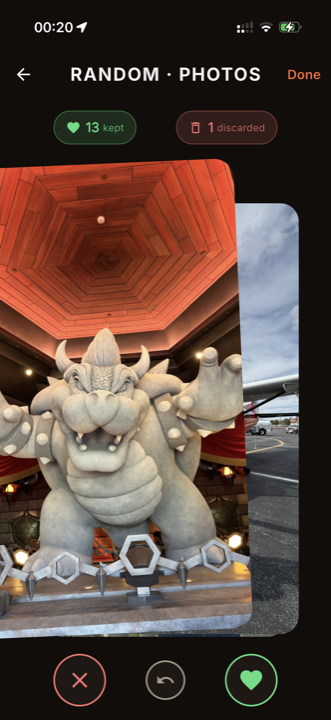
Cleanup that finally feels good.
Every swipe counts — and we show you exactly how much.
- 1 swipe
- per photo — done in seconds
- Local
- photos never leave your device
- 150
- achievements to unlock
- 4 languages
- DE · EN · ES · FR
See swypix in action
Seven looks straight from the app — exactly what's waiting after you download.
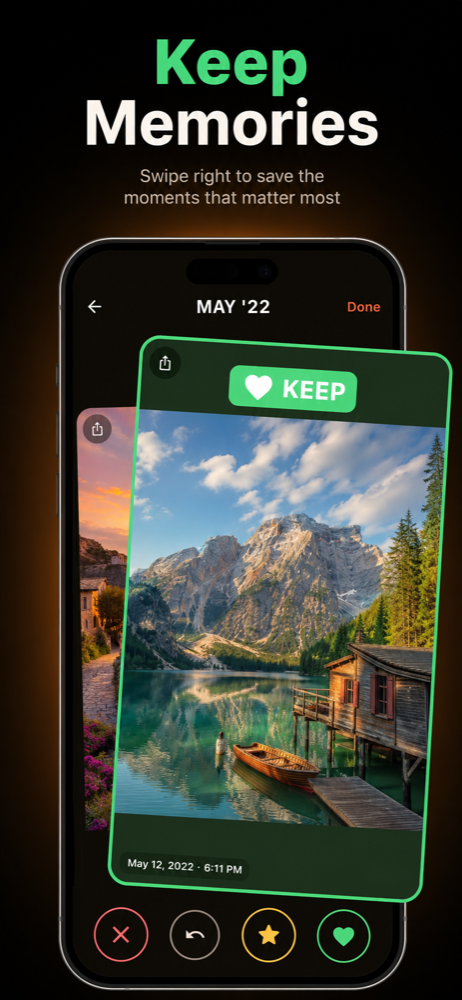
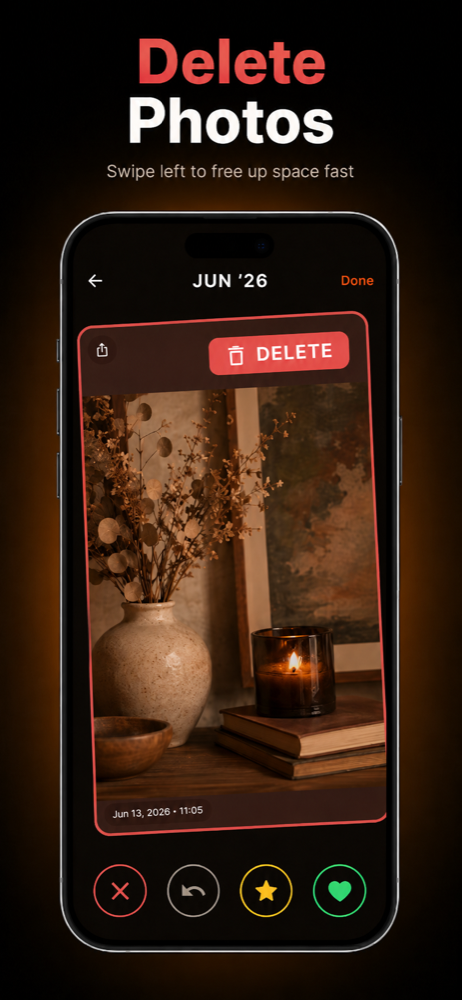
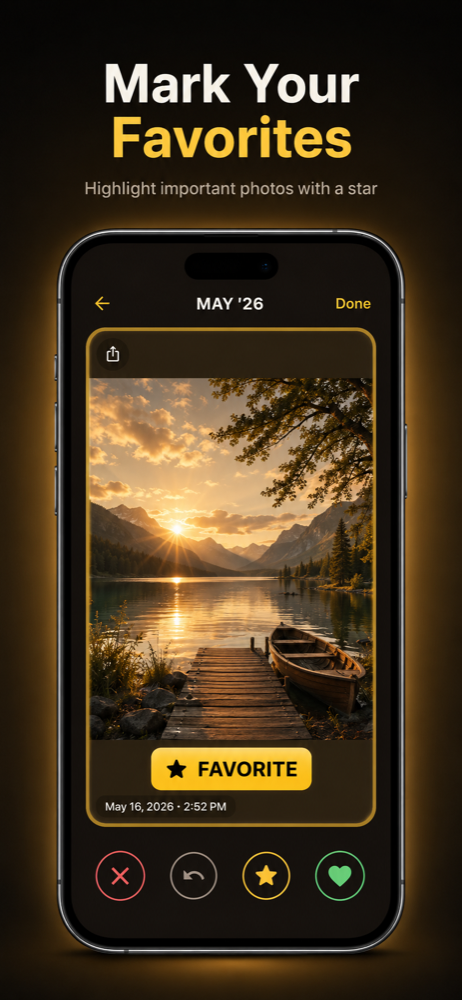
Cleaning has never felt this motivating.
Eight mechanics that together turn a tedious chore into a ritual.
One gesture, one decision
Right keeps, left deletes. No submenus, no confirmation marathon — until you hit the final delete button.
Save the keepers
Swipe up to favourite a photo — it's copied to a dedicated album on your device so the best shots are always one tap away.
Progress & storage insights
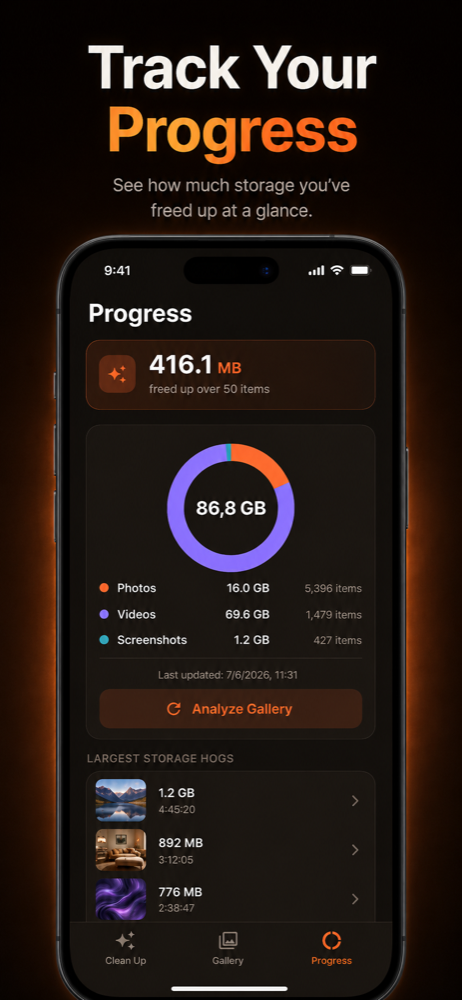
A dedicated tab shows, with a donut chart, how your storage splits across photos, videos and screenshots — plus everything you've already freed.
Your gallery, sorted
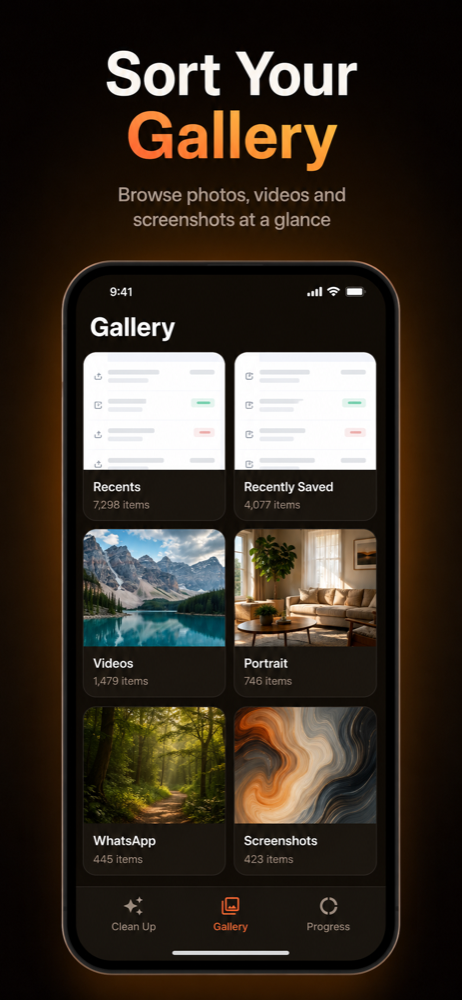
A gallery tab shows all your albums in a clean grid. Pick one and dive straight in.
Smart stacks
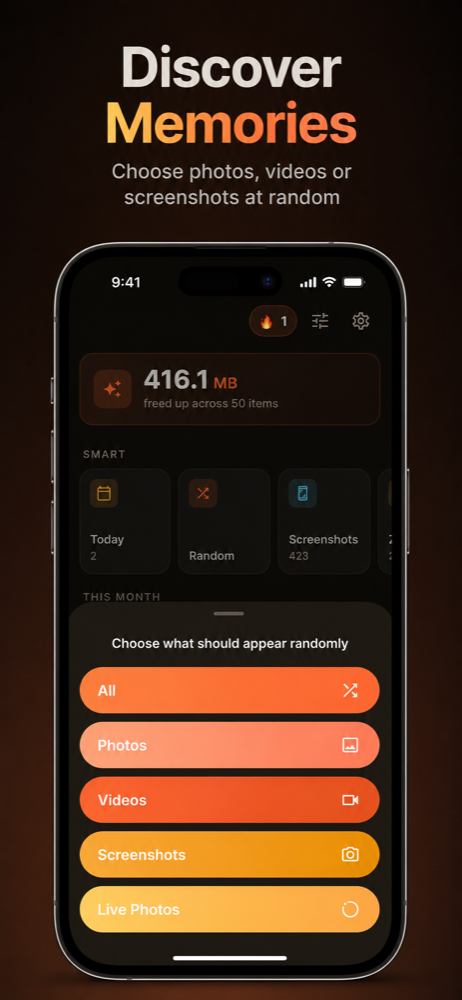
One tap to grab all screenshots, all videos, or every photo from a specific month.
Burst detection
20 nearly-identical photos shot in 3 seconds? swypix groups them so you keep the best one.
Daily streaks
Clean up every day, build a streak. We nudge you at 7 PM if you haven't yet — gentle, not annoying.
150 achievements
Storage milestones, behavior badges, streak trophies, easter eggs, and Pro-only awards. Watch your habit grow.
Cleaned up in three steps.
- 1
Grant permission
Allow swypix one-time access to your photo library. Everything stays local.
- 2
Swipe through
Keep or delete — one gesture per photo, a few minutes per stack.
- 3
Reclaim storage
Confirm the final delete sweep and watch megabytes turn into gigabytes.
A guide for every gallery problem
Concrete step-by-step guides — with the fastest route in swypix.
How Do I Free Up Storage on My iPhone?
iPhone storage full? Learn how to free up storage on iPhone: find huge videos, clear screenshots and reclaim gigabytes by swiping. Get swypix free.
Read the guideHow do I delete hundreds of screenshots on my iPhone quickly?
Hundreds of old screenshots eating your storage? Learn two ways to delete screenshots on iPhone — manually or by swiping with swypix. Try it free.
Read the guideHow do I delete large videos on my iPhone?
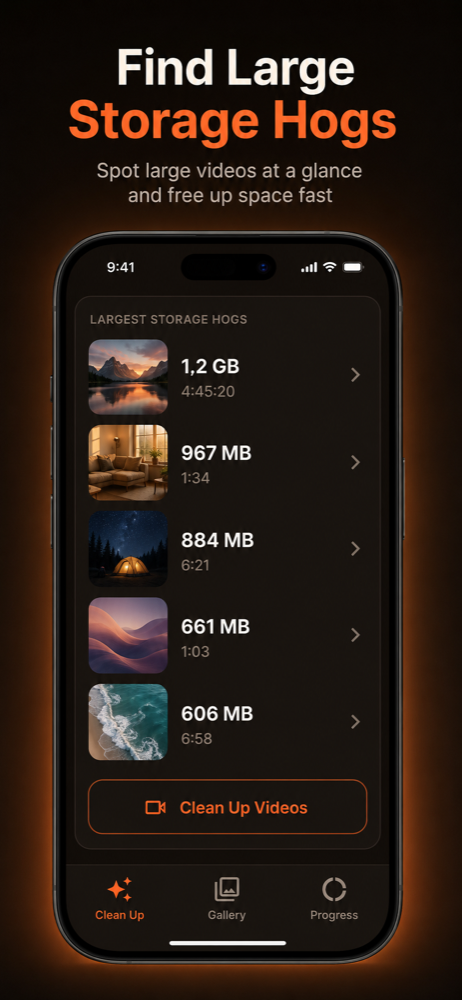
Videos can take 10-100x more space than photos. Learn how to delete large videos on iPhone with a size-ranked list. Download swypix free today.
Read the guideHow do you swipe to delete photos, Tinder-style?
Learn how to swipe to delete photos: right keeps, left deletes, with a review pile before anything is gone. Try swypix free on iOS and Android.
Read the guideYour photos never leave your device.
swypix reads your gallery locally on your phone. No images get uploaded to the cloud, no backup, no tracking of your content. This isn't just a promise — the app simply has no upload code.
Read the Privacy Policy- Photos are never transmitted or synced.
- Anonymous usage stats (Firebase Analytics) only with your consent.
- Swiss data protection (revFADP) + EU GDPR compliant.
Short answers.
Ready for a tidy gallery?
Download swypix for free and turn thousands of photos into a gallery you actually enjoy — in minutes.
- Free to download
- Photos never leave your device
- Works offline